 DE
DE  EN
EN  PL
PL 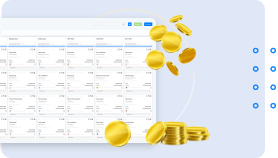
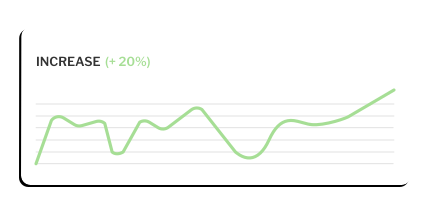


Call Center Module. Increase conversions from leads by up to 30% with the latest tool from Salesbook


The Call Center module from Salesbook is a reliable tool designed for salespeople who previously relied only on an Excel file or notebook and spent long hours making phone calls.
Our new module is used to run sales or marketing campaigns. It allows you to handle outbound calls, create ready-made call scripts for your employees and generate reports on your campaigns.
If you want to start using the new Call Center module in your application, please contact your Salesbook manager or send e-mail at sales@salesbook.com.
How Salesbook Call Center works
The Call Center module allows you to plan in detail in advance a sales or marketing campaign for outbound calls.
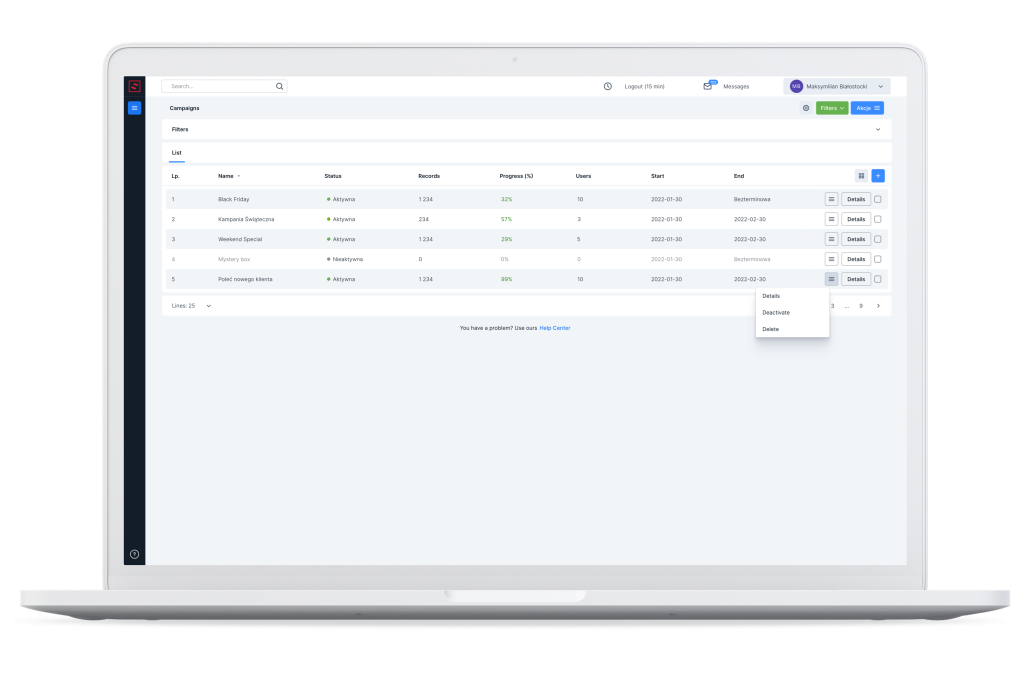
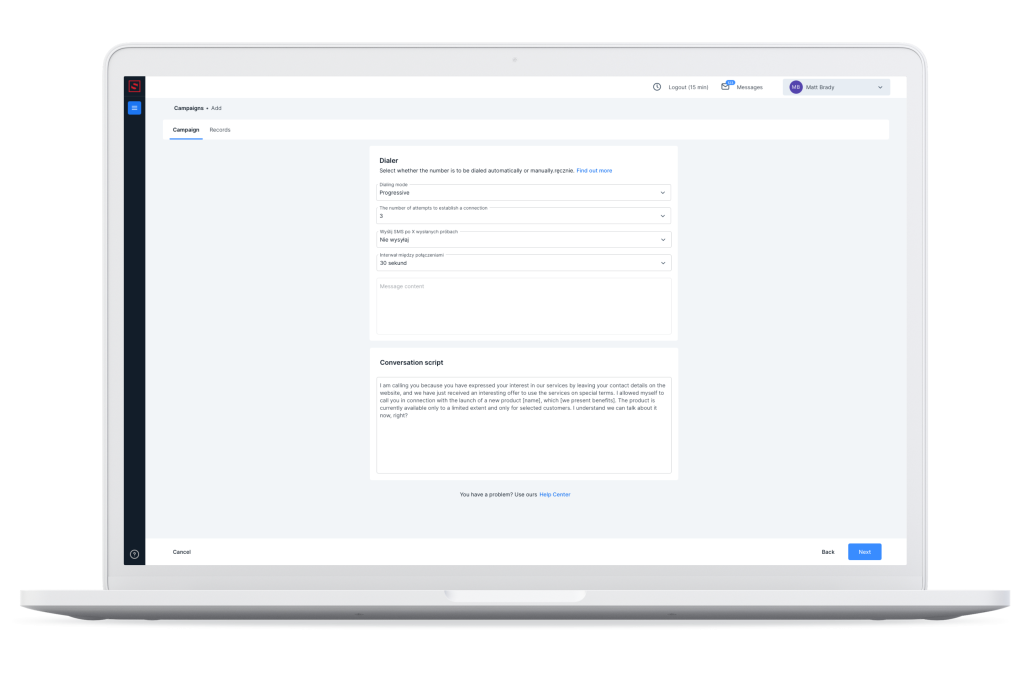
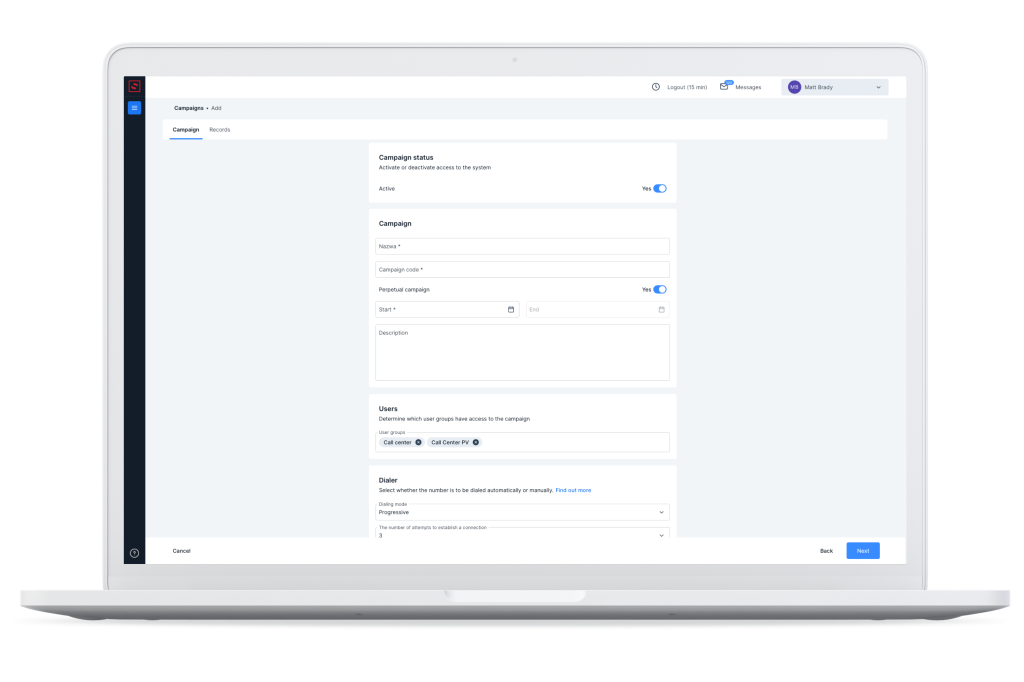
The author of the campaign can freely name the campaign, specify the start and end dates, designate the people responsible for carrying out the campaign, and even place the completed script of the conversation in a dedicated window.
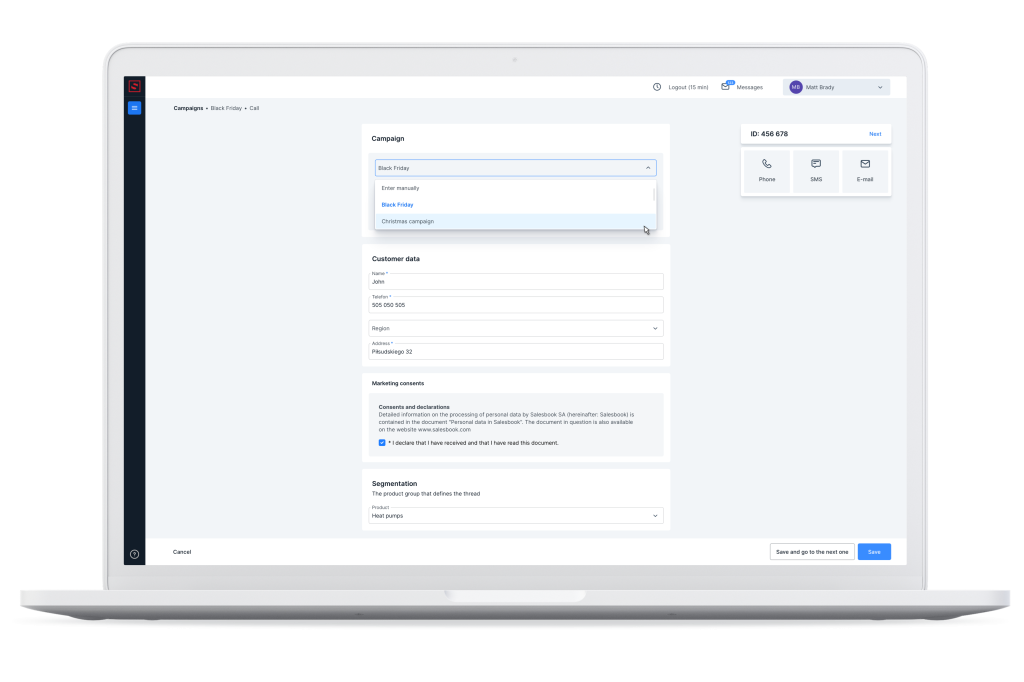
An employee assigned to a specific task within a campaign will receive a notification that it has been assigned to them.
Scheduled campaigns can be freely prioritized and supervisors can be assigned to receive regular status notifications – this solution helps to organize the work of the team and flexibly manage specific tasks within the project.
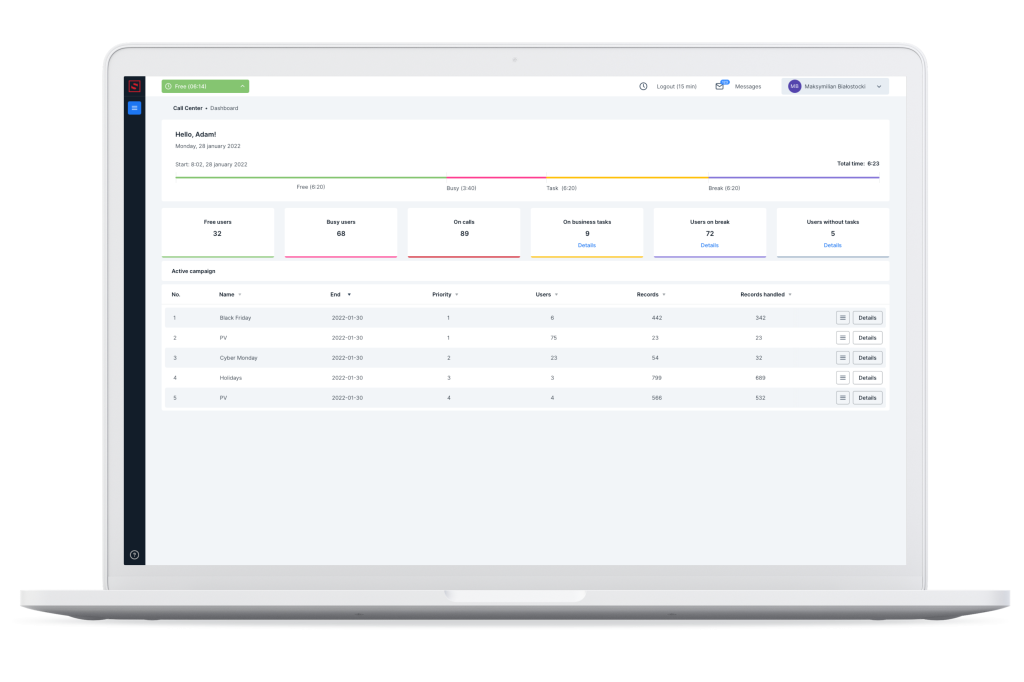
The dialer built into the Call Center module automatically dials designated numbers without the need to enter them. Three types of dialers are available: manual, progressive and predictive.
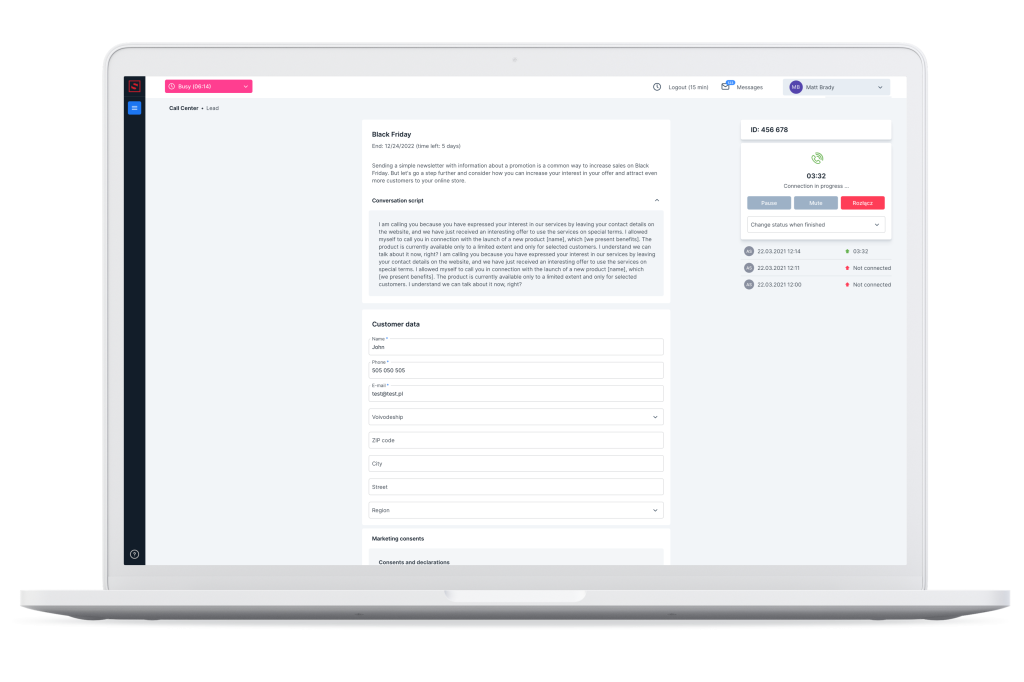
Unanswered calls are tagged and segregated in appropriate lists by the system, which helps systematize the work of salespeople and save time.
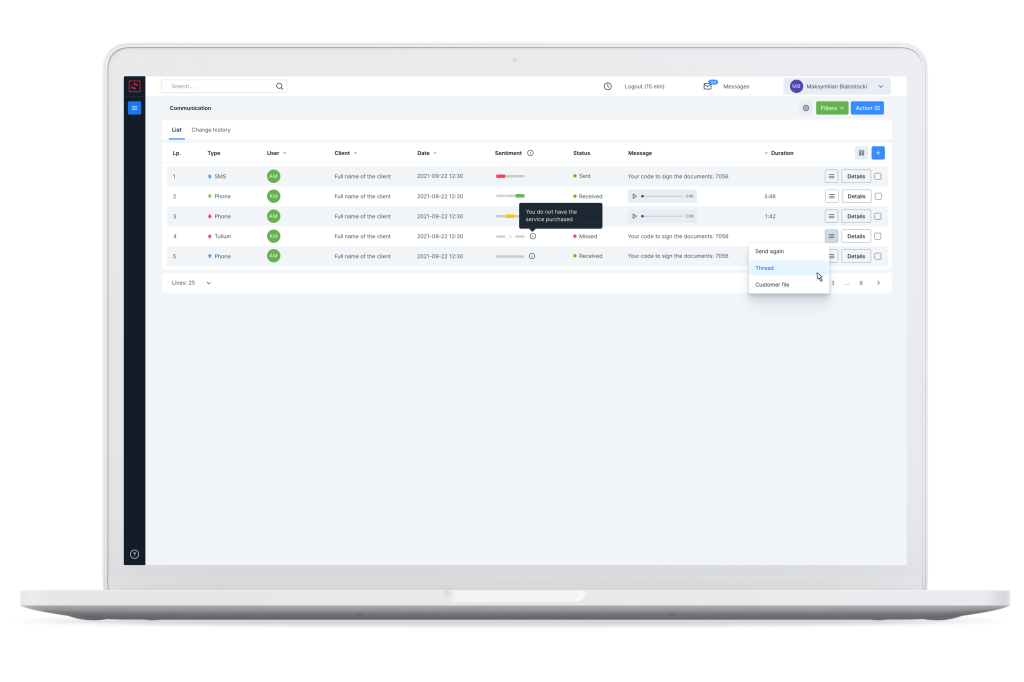
Detailed reports generated in real time allow an accurate analysis of the conducted campaign and improvement of further processes.
The implementation of the Call Center module significantly increases the efficiency of conducted campaigns, and thanks to the integration of the tool with the CRM system, the sales team saves time needed to handle the entire process.
If you want to start using the new Call Center module in your application, please contact your Salesbook manager or send e-mail at sales@salesbook.com.
Inhaltsverzeichnis