

Was ist Salesbook?

Salesbook ist eine umfassende Sales-Enablement-Plattform, die die
Arbeit von Vertriebsmitarbeitern optimiert und automatisiert und so deren Effizienz
um bis zu 50% steigert.

  • Vertriebsmeetings optimieren
  • Den Angebotsbetrieb optimieren
  • Den Prozess verwalten
  • Erhalten Sie nützliche Einblicke
Stärkung kleiner Unternehmen: Maßgeschneidertes CRM für jedes Budget
Den Blog lesen
Tauchen Sie ein in das „Salesbook“

Wir erstellen maßgeschneiderte Unterrichtsmaterialien.
Sie werden dir viel praktisches Wissen vermitteln
und Ihnen dabei helfen, Ihren eigenen, lohnenden Prozess zu entwickeln.

  • Was ist Sales Enablement?
  • Was ist „Configure Price Quote“?
  • Was ist Kundenbeziehung?
    Management (CRM)?
Übernehmen Sie die Kontrolle über Ihren gesamten Vertriebsprozess.
Weiterlesen
Über Salesbook

Wir bei Salesbook sind davon überzeugt, dass jedes Unternehmen weltweit seinen Umsatz noch weiter steigern kann, indem es
Ein optimales Kundengespräch, bei dem der Prozess automatisiert und auf der Grundlage präziser Daten standardisiert wird.

Daher gestalten wir den beratenden Vertriebsprozess so um, dass die Vertriebsmitarbeiter Zeit für die wirklich wichtigen Dinge haben: Beziehungen zu den Kunden aufzubauen und ihnen einen herausragenden geschäftlichen Mehrwert zu bieten.

Neue Funktionen

New module: Client Panel. All information about the installation process in one place

All information about a specific implementation in one place? It is possible with the new Client panel Salesbook module. A new functionality has been introduced to the Back Office of our platform, which allows the creation of workflows related to the execution of customer orders.

The main purpose of introducing this Client panel functionality is to inform the customer about activities related to his order through e-mail and SMS notifications. The link in the text of the message takes the customer directly to the page where he can check the status of a given project.

Thanks to this, the customer gains constant insight into the installation process, and he is informed about each change of it automatically.

If you want to add the new module Client panel in your application, please contact your account manager in Salesbook or write to sales@salesbook.com.


If you are not using our application yet, sign up for a free demo.

Process execution status is created in the Administration | My Salesbook | Implementation processes. After switching to the tab, a list of created processes is displayed.

By using the Client Panel, you save time and allow the client to control the task execution on his own. Your phone will stop getting red hot from inquiries about the stage of implementation, delivery date or montage.
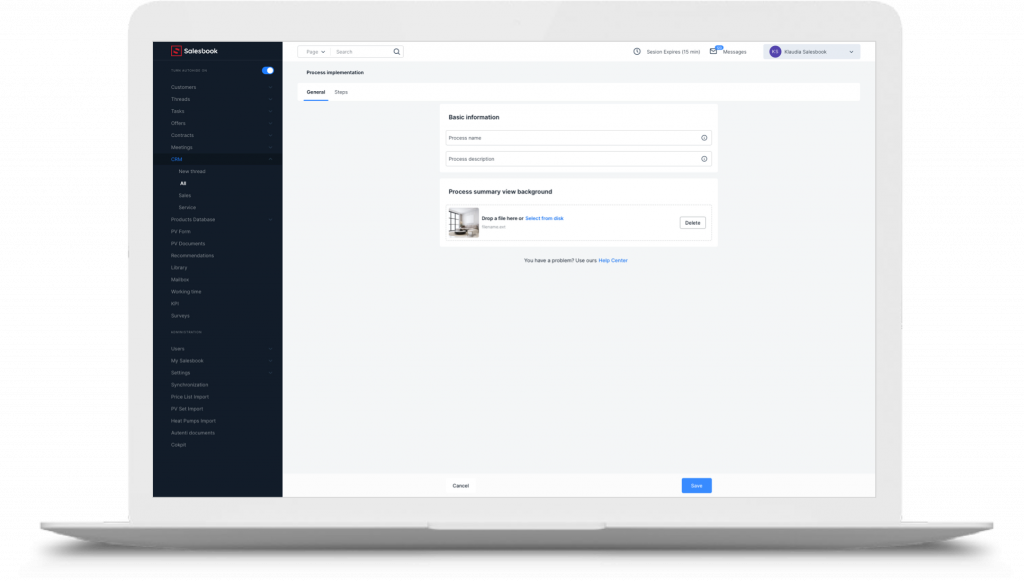
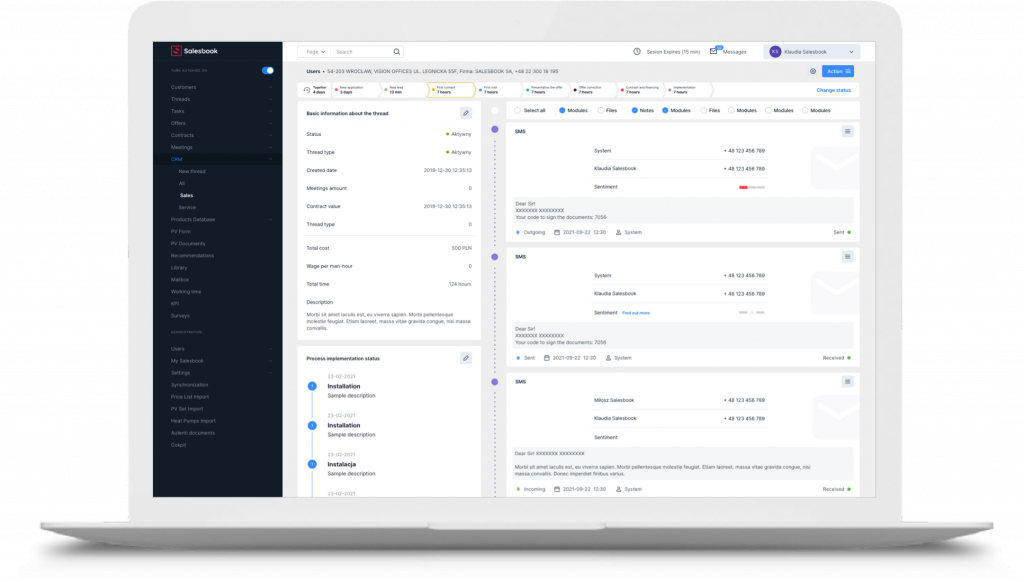
Basic informations in the Client panel in Salesbook.
Pic. 1. Basic informations in the Client panel in Salesbook.
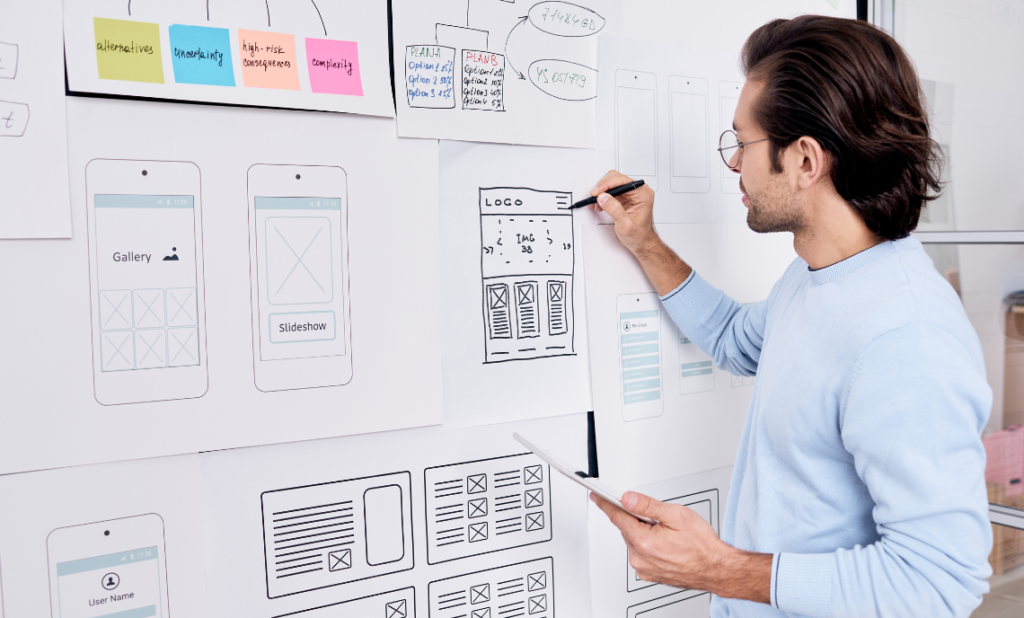
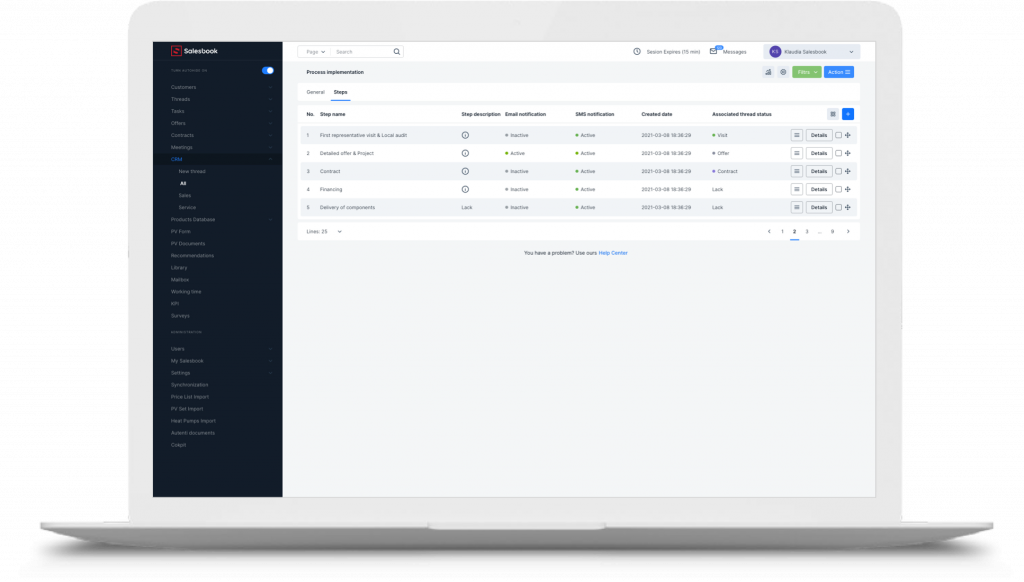
This module is created to simplify the process of collecting a data about the process.
Fot. 2. This module is created to simplify the process of collecting a data about the process.
Specification of the installation.
Pic. 3. Specification of the installation.
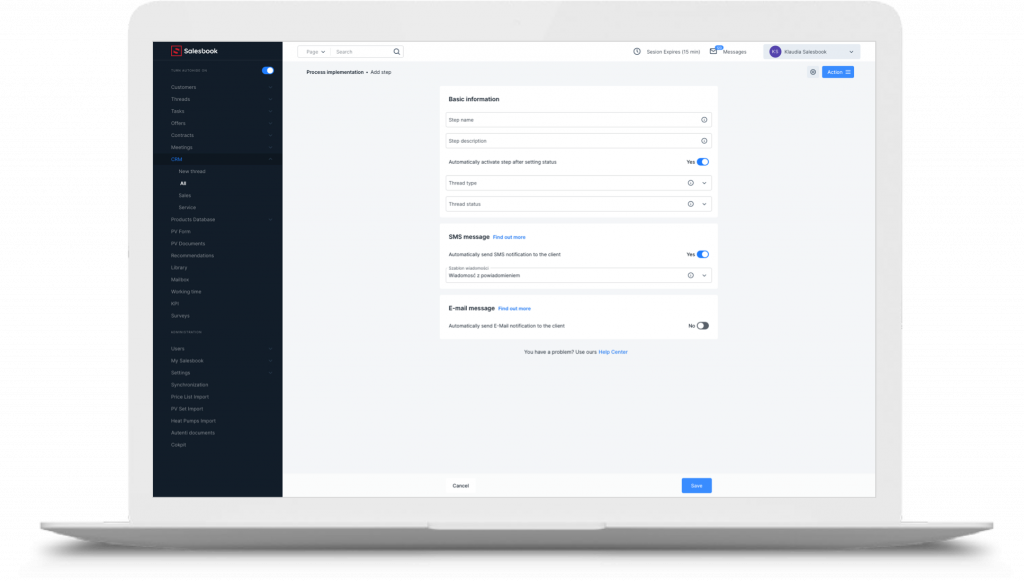
Basic informations and settings. Client Panel
Pic. 4. Basic informations and settings of the Client Panel.

If you want to add the new module Client panel in your application, please contact your account manager in Salesbook or write to sales@salesbook.com.


If you are not using our client panel in Salesbook application yet, sign up for a free demo.

Inhaltsverzeichnis

Machen Sie den ersten Schritt um ein Verkaufs-Ass zu werden.