 DE
DE  EN
EN  PL
PL 


The KPI module. Measure the effectiveness of sales with a new tool from Salesbook


KPIs – Key Performance Indicators – are measurable metrics that tell us if sales reps meet their business goals. Thanks to the KPI module from Salesbook, you can control the progress of your sales team.
Set KPIs with the module from Salesbook
KPIs are useful tools often used by both small companies and big organizations. KPIs are metrics that measure the effectiveness of salespeople and show how they meet business goals. Since there is no universal set of KPIs suitable for every company, it is challenging to set them. However, thanks to the KPI module, it can be easier than you think.
To set a key performance indicator, you just need to access the admin settings and click the tab Definition KPI.
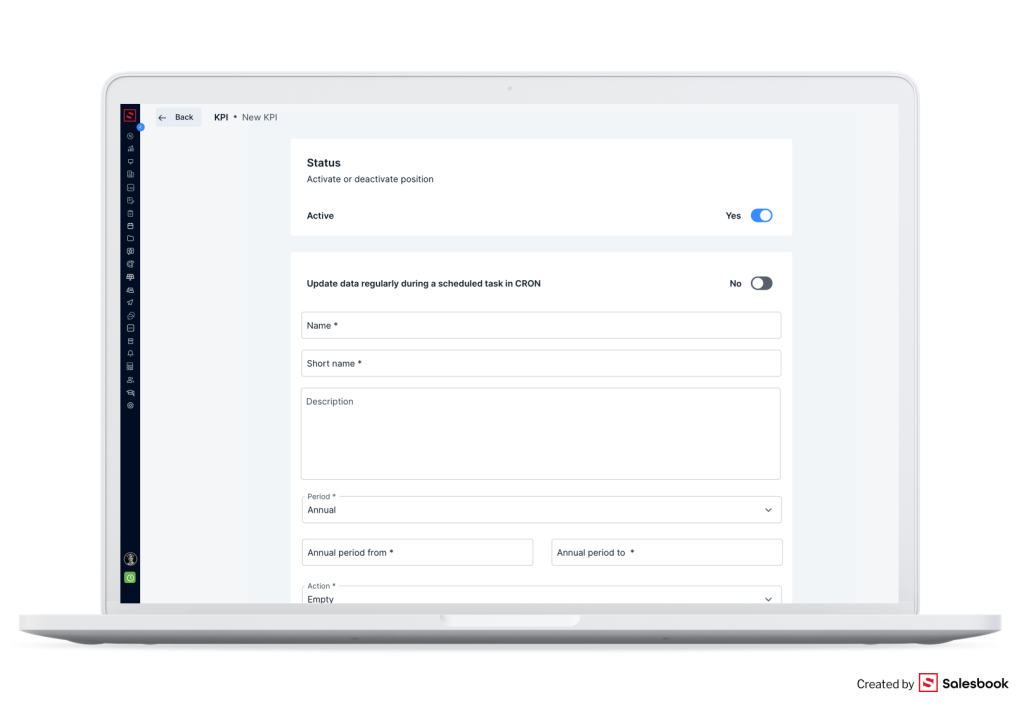
Your next step is to add a name to the KPI and its description. You also choose if a given KPI should be analyzed annually, yearly, or monthly.
In the KPI module, you also choose what exactly you want the selected KPI to measure. It can be the thread value, the number of offers sent to customers, or the number of threads in a sales funnel in a given time. You can adjust the types of KPIs to your needs.
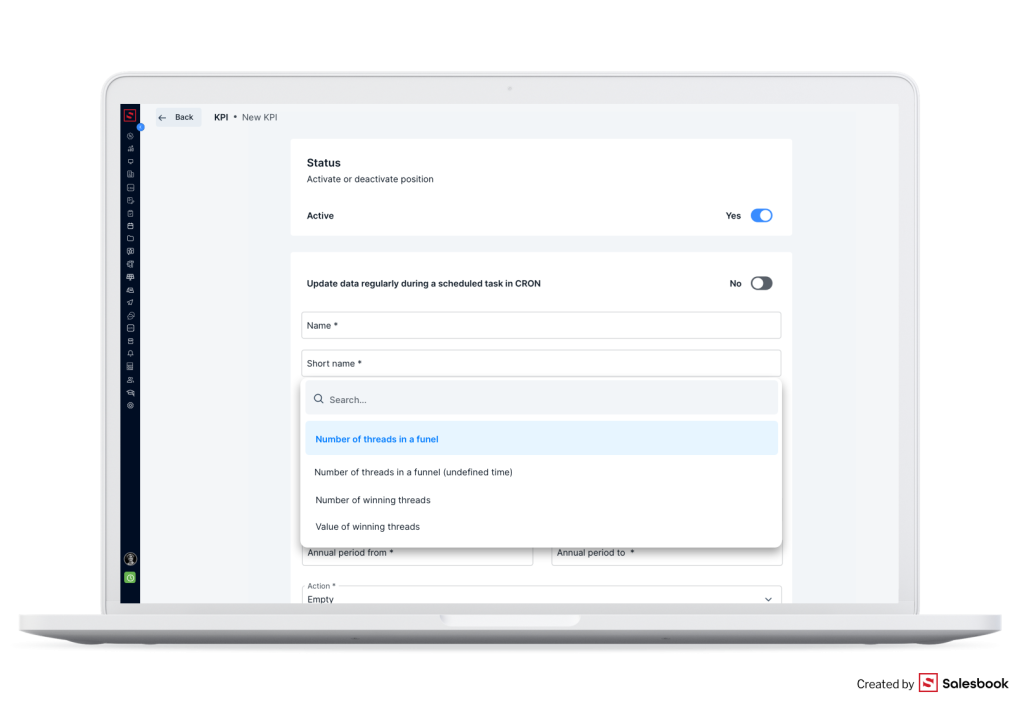
You do not have to consider if the values of KPIs that you see are up to date. The KPI module has an option for cyclic updates of data. It means that the KPIs value can update automatically, for example, every 2 hours.
Manage KPIs and your sales team
Thanks to the KPI module, you can manage the work of your sales team. You can also ascribe chosen KPIs to given salespeople.
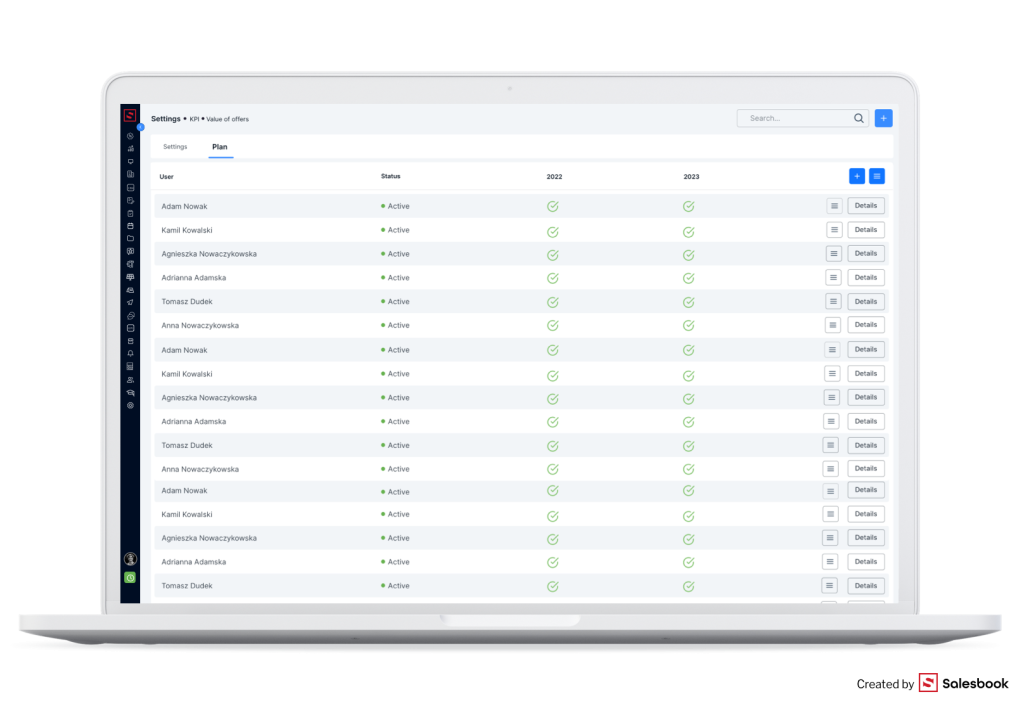
You can change the statuses of sales reps in relation to a given KPI – to Active or Inactive. If you want to check which salespeople are assigned to KPIs, you can use a simple filter.
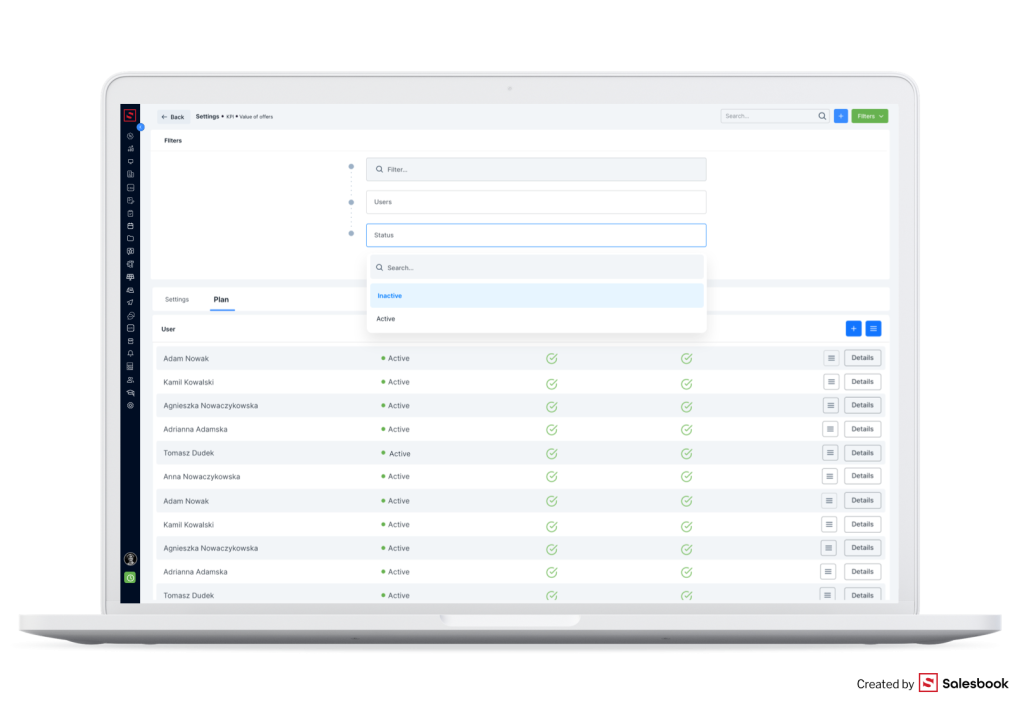
Fig. 4. Using a filter in the KPI module in the Salesbook CRM.
If you click the tab Details near the name and surname of a given sales rep, you will see a specific plan and its value.
What is important, if you use this module, you can set the same value for a chosen KPI plan for all sales reps or a group of them.
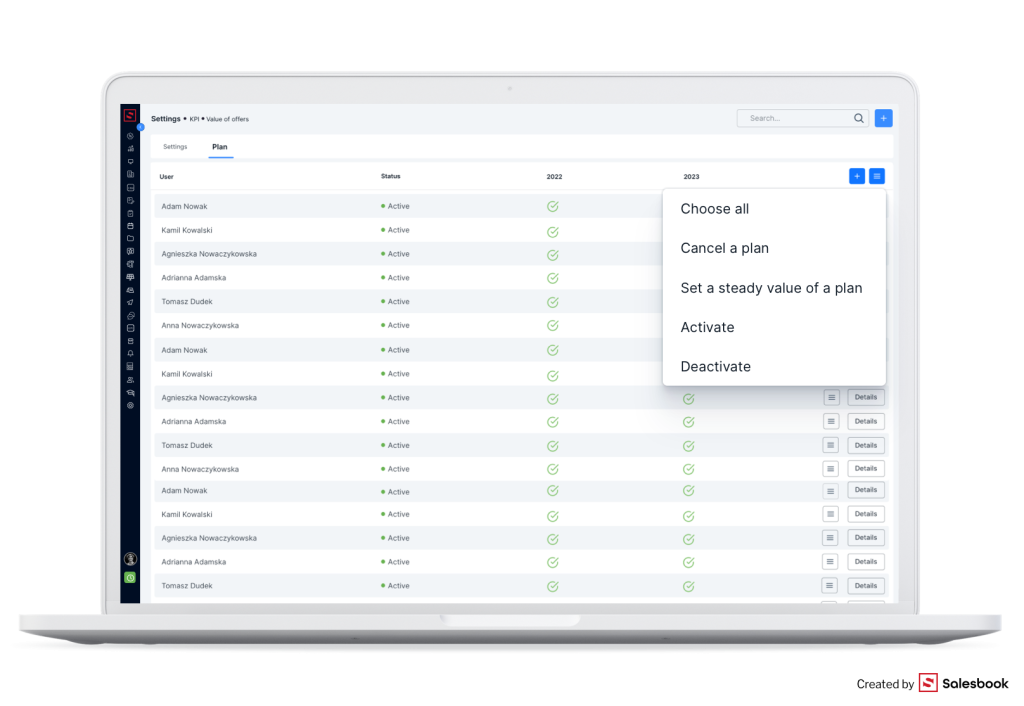
This automation fastens the job of every sales manager. Thanks to this, you do not need to plan the work for every sales rep individually or change settings for every person.
Moreover, if you want to assign the same group of sales reps to a new KPI, you can just duplicate the existing KPI. Then you change its name and parameters. You do not have to create a key performance indicator from the beginning and add a sales rep one by one.
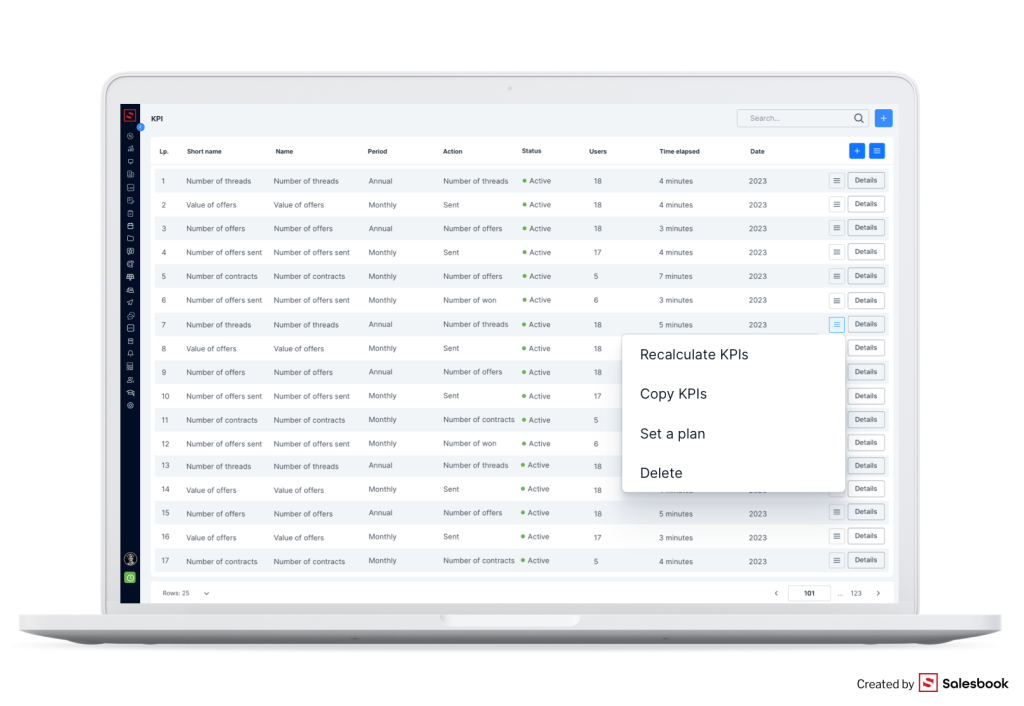
You can use a dashboard with key performance indicators
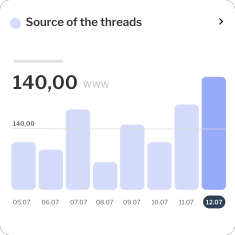
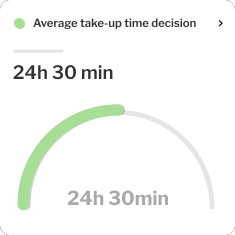
We prepared the KPI module considering sales managers’ expectations. It means you do not need to read long texts with much data to analyze. A convenient and simple dashboard presents you with KPIs and their values.
You can define the most important KPIs on your own, and, as a result, they will be visible on the dashboard. You can also export KPIs to the Excel file. The values you see are automatically calculated based on data in the customers’ threads.
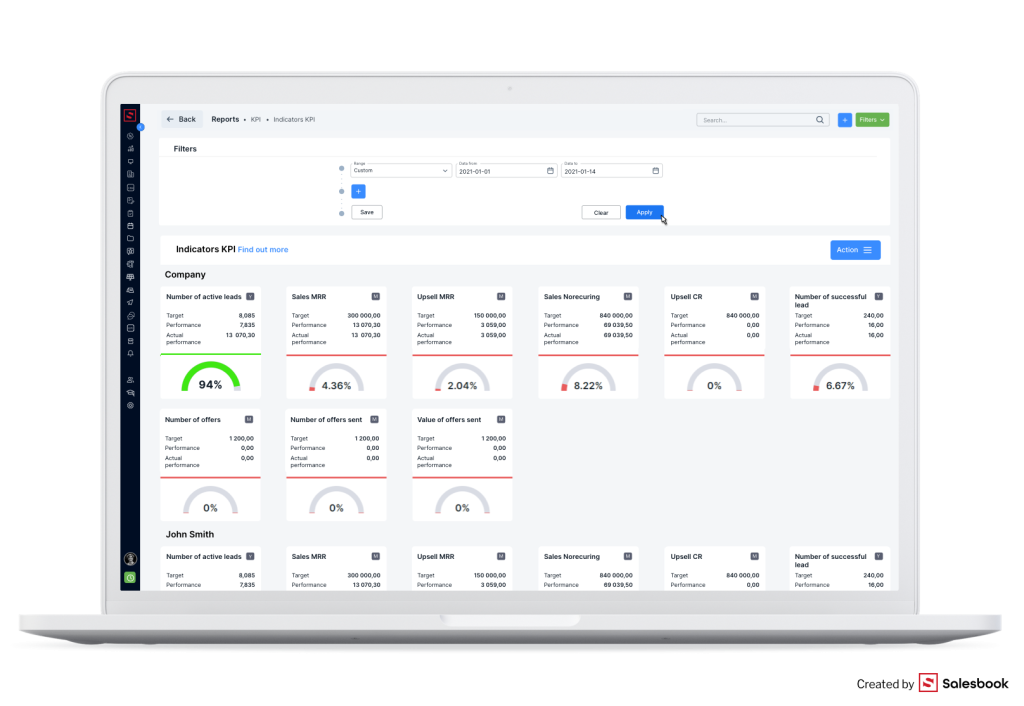
The dashboard has simple icons:
· letter M – it means that a given KPI is calculated monthly,
· letter Y – it means that a given KPI is calculated yearly.
If you put the cursor on the “I”, you will see some short information about a given KPI.
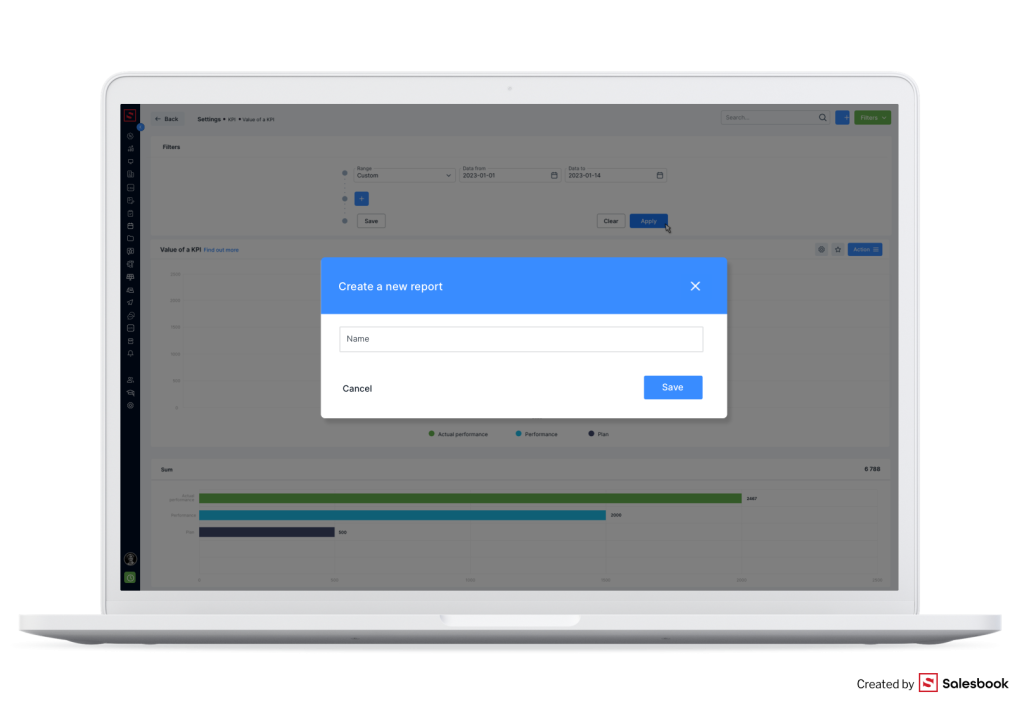
Generate automated reports about KPIs
If you use the KPI module, you can add metrics to the Salesbook CRM system and it will update them, however, there are more advantages. You can also generate automated reports about KPIs and their implementation.
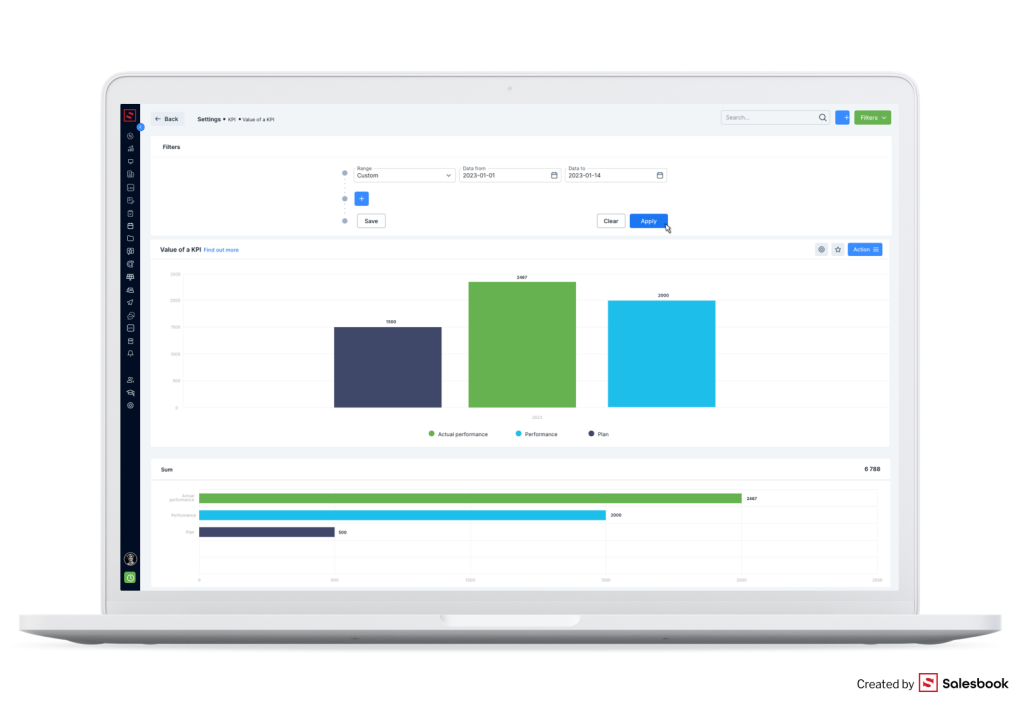
Fig. 8. A report about KPIs and their implementation in the Salesbook CRM.
Thanks to appropriate filters, you can generate different personalized reports about MRR sales, the number of sales threads in a given time, or the number of offers. Reports can concern various periods, chosen sales reps, or be relevant to the whole organization.
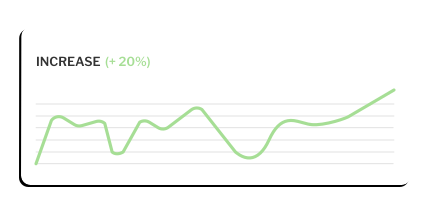
The degree of implementation of KPIs can also be visible in the form of percentages on a dashboard mentioned earlier.
Summary The KPI module in the Salesbook CRM allows sales managers to control the sales performance and implementation of KPIs in several ways. Key performance indicators are automatically calculated; therefore, you can just generate a report and discuss it during a meeting. Thanks to the KPI module, you can track KPIs and business plans. As a result, you react quickly if it is necessary, and you see disturbing trends.
If you want to start using the KPI module in your app, contact your customer manager in Salesbook or write an e-mail: sales@salesbook.com. Check the possibilities of the Commission module.
Inhaltsverzeichnis